Ask five screen printers what "washing a screen" means and you'll get five answers. For one it's washing out the stencil after exposure. For another it's removing ink after a run. For a third it's reclaiming the screen back to bare mesh with emulsion remover.
They're all different jobs, done at different points, with different chemicals. Mixing them up is how screens end up with ghost images, pinholes, stencils that break down mid-run, or emulsion that won't come off at all. This guide explains what each one does, when it happens and what goes wrong when it's skipped or done out of order.
The four jobs at a glance
A screen goes through the same loop every time it's used: degrease, coat, expose, wash out, print, remove the ink, reclaim, then degrease again before the next coat. Four of those steps are cleaning jobs, and each one removes something different.

The distinction that matters most is between washout and reclaiming. Washout develops a stencil you're about to use. Reclaiming destroys a stencil you're finished with. They're at opposite ends of the screen's life, and they use completely different chemistry.
What is washout in screen printing?
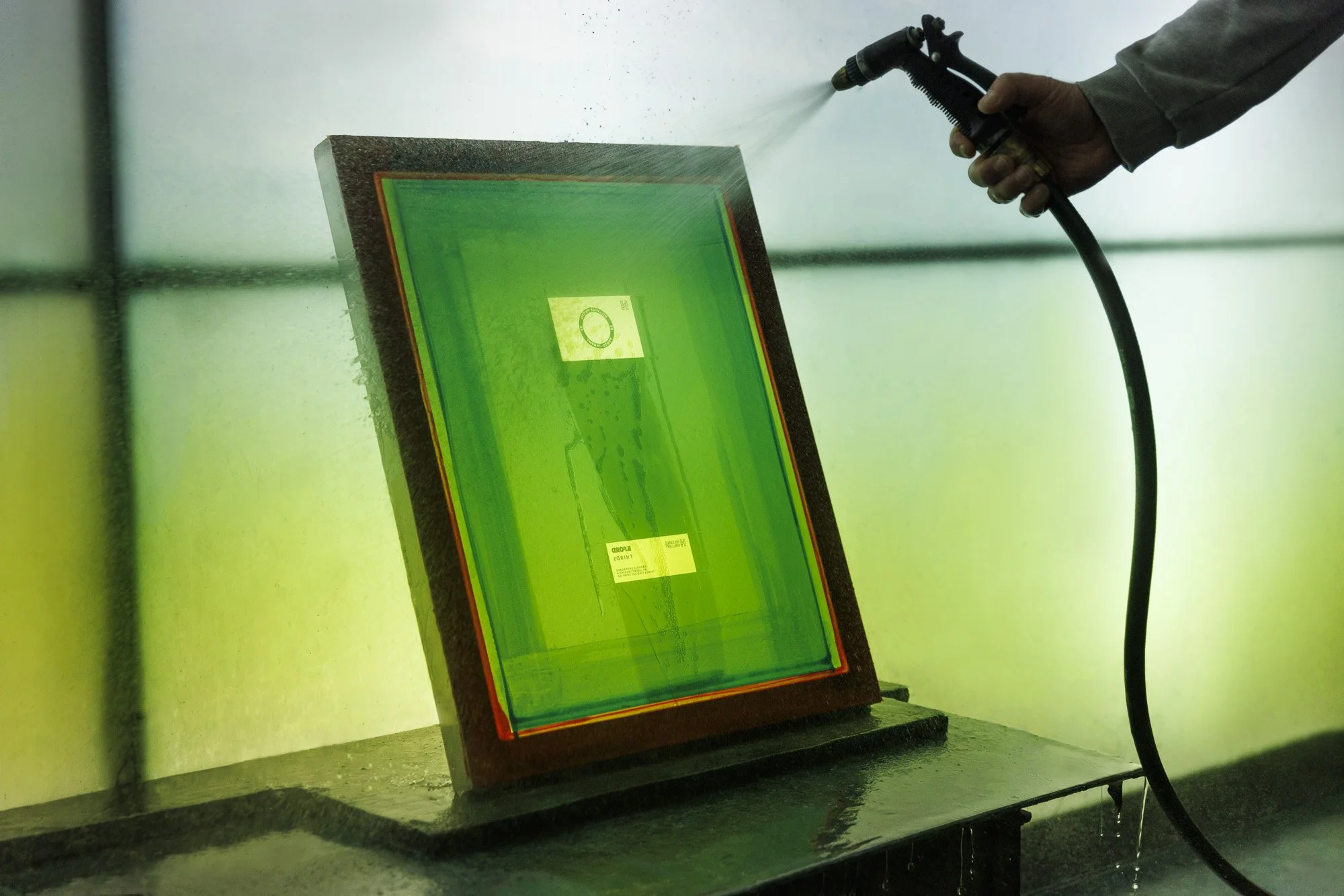
When a coated screen is exposed, light hardens the emulsion everywhere except where the artwork blocked it. Those blocked areas stay soft and water-soluble. Washout rinses them away with water, which opens up the image so ink can pass through.
The usual approach is to wet both sides of the screen gently, give the emulsion a moment to soften, then rinse from the print side until the image is fully open and the edges look sharp. Finish with a gentle rinse of both sides, remove excess water, and dry the screen before taping or printing.
Washout also tells you whether the exposure was right. If the stencil feels slimy, the image washes out slowly or fine lines close up, the screen was probably underexposed, and that stencil is likely to break down on press. If fine detail won't open at all, it may be overexposed. Either way, the fix is in the exposure, not in a harder washout. Blasting a soft stencil with high pressure only damages it further.
How do you remove ink from a screen?
Once a job is done, scrape the excess ink back into the tin with a card or spatula, then clean what's left out of the mesh with a screen wash made for that ink.
Products such as KIWO Universal Screen Wash are available through Kissel+Wolf for screen cleaning applications. Always check the product's suitability for the ink system and stencil you're using.
Plastisol and water-based inks need different cleaners, and a cleaner that suits one can do very little for the other. Water-based ink also needs cleaning out before it dries, because dried water-based ink is much harder to shift.
If the stencil is going to be used again, the right ink remover takes the ink off without attacking the emulsion. If the screen is going to be reclaimed, ink removal still comes first. Emulsion remover can't reach a stencil that's still covered in ink, and ink left in the mesh is one of the most common causes of the ghost images that turn up later.
How do you remove haze and ghost images?
Sometimes a faint image is still visible after the stencil is gone.
A ghost image is usually ink staining, and if it doesn't block the mesh it may not affect the next print. Haze is residue that does sit in the mesh openings, and it can show up as a ghost of the old design in the next stencil.
A product such as KIWO Haze Remover can help remove stubborn ink staining and residual contamination during screen reclaiming.
Haze removal is not something every screen needs. Use it when residue is affecting the mesh rather than making it a routine step.
Follow the specific product instructions carefully. Some haze-removal products have application procedures that differ from conventional stencil removers. For example, KIWO Haze Remover requires a drying and reactivation process rather than the standard rinse-before-drying approach used for many emulsion removers.
Using the wrong procedure can make reclaiming more difficult or damage the mesh.
How to reclaim a screen, step by step
Remove the ink. Scrape off the excess and clean the mesh with a screen wash made for the ink you used, such as KIWO Universal Screen Wash where compatible.
Apply emulsion remover. Cover both sides of the stencil using a suitable product, such as KIWO Stencil Remover 1:20 Concentrate, prepared and applied according to its instructions. PREGASOL EP3 is another stencil-removal option available from Kissel+Wolf.
Wait, but don't let it dry. Leave it for the recommended dwell time and rinse before it dries on the mesh, unless the specific product instructions state otherwise.
Pressure wash. Rinse the stencil out from both sides using suitable pressure until the mesh is clear.
Check for haze. If a stain or ghost image blocks the mesh, use a compatible haze remover, following its particular application and rinsing procedure.
Degrease. Clean the mesh with a suitable degreaser, rinse thoroughly and dry it before recoating.
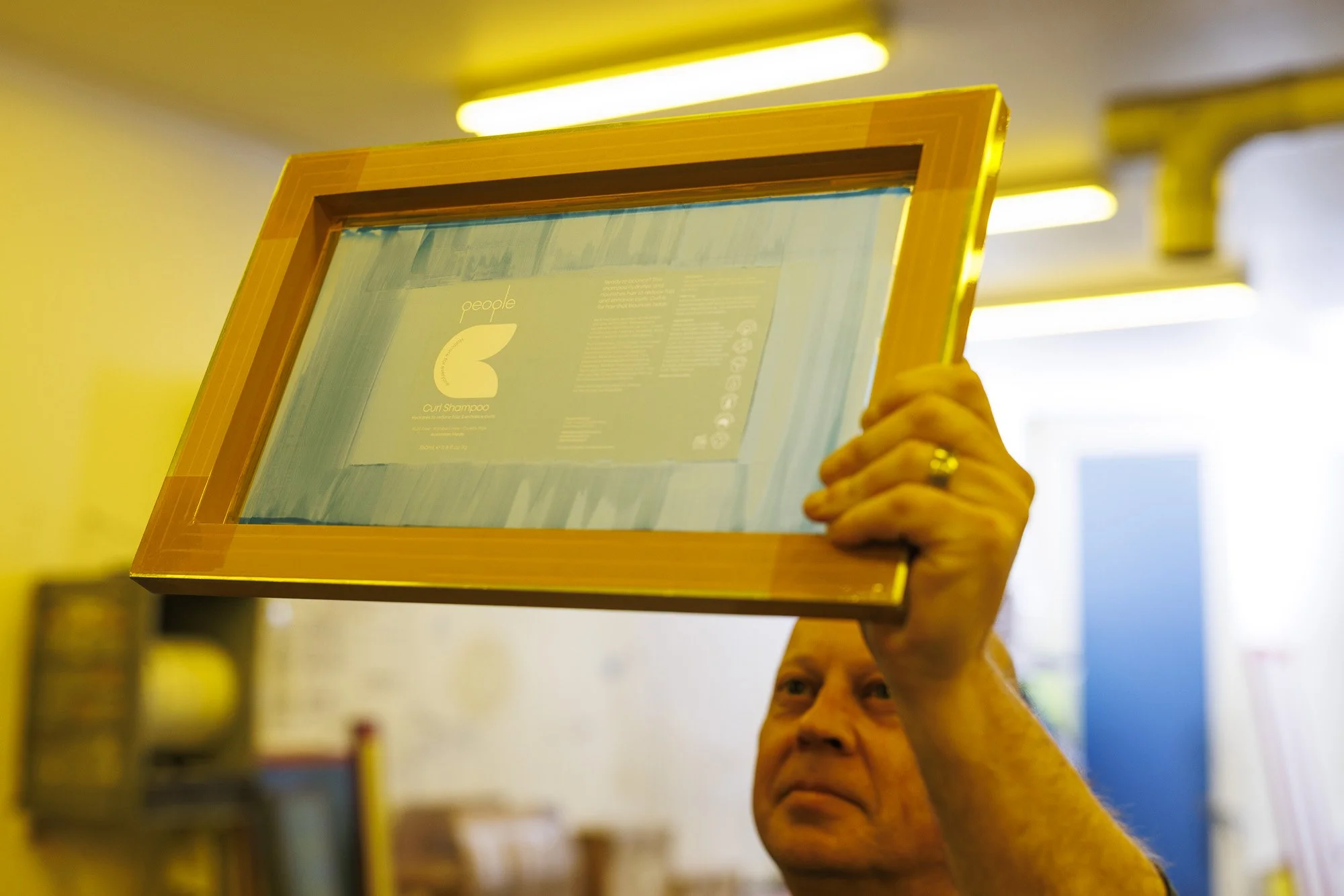
A faint stain that doesn’t block the mesh may not affect the next print. Haze that sits in the mesh openings needs a haze remover before you recoat.
Why degrease a screen before coating?
Degreasing is the last cleaning step before coating, and one of the most often skipped.
Fingerprints, dust, oils from handling and traces of reclaiming chemistry all stop emulsion from bonding evenly to the mesh. The result is fisheyes, pinholes, uneven coating and stencils that lift or break down early on press.
Apply a suitable KIWO screen degreaser, such as KIWO Degreaser 1:20 Concentrate, according to the product's dilution and application instructions. Work it into both sides with a soft brush and rinse thoroughly.
A well-degreased screen holds an even sheet of water across the mesh. If the water beads or pulls away in patches, the mesh isn't clean yet.
Then dry the screen in a dust-free space and avoid touching the mesh before it's coated with emulsion.
New mesh needs degreasing too. It often carries oils from manufacturing and stretching, so a freshly stretched screen isn't ready to coat until it has been degreased.
Common screen cleaning mistakes
• Calling reclaiming "washout". It sounds harmless until someone orders the wrong chemical or follows the wrong instructions. Washout uses water on an unexposed stencil; reclaiming needs emulsion remover on a hardened one.
• Reclaiming with ink still in the mesh. The emulsion remover can't reach the stencil, the screen takes longer to strip, and the leftover ink becomes next week's ghost image.
• Letting emulsion remover dry. This is the fastest way to turn a routine reclaim into a screen that's hard to save. Work in batches you can rinse within the dwell time.
• Using haze remover on every screen. It's a fix for a problem, not a routine step, and using it when it isn't needed only wears the mesh.
• Skipping the degrease. A screen can look clean and still carry enough oil to cause pinholes. The water-sheeting test takes seconds.
• Mixing chemicals. Cleaners, removers and degreasers each do one job. Rinse thoroughly between steps, and never combine products in the same tank or bottle.
Whatever the step, wear the protection each product's safety data sheet specifies, work with good ventilation, and check your local trade waste rules for disposing of the rinse water.
Can screen cleaning be automated?
In most shops, ink removal and reclaiming are still done by hand in a washout booth. They're wet, repetitive jobs that involve chemicals, and they're usually among the hardest jobs on the floor to staff.
They're also the steps where timing matters most: remover left too long, a degrease rushed at the end of a shift, or screens cleaned differently depending on who's working.
Automated screen cleaning systems can take much of that repetitive work out of the booth.
Depending on the equipment, the process may include chemical application, controlled dwell times, brushing, rinsing or stencil removal. The aim is to make cleaning more consistent and reduce the amount of manual handling required.
Kissel+Wolf supplies Grünig G-WASH screen cleaning equipment, including systems designed for different stages of screen preparation and reclaiming.
Examples include:
Grünig G-WASH 104 — automated screen washing and ink cleaning.
Grünig G-WASH 106 — automated stencil developing and washout.
Grünig G-WASH 112 — automated decoating and screen reclaiming.
Not every machine does the same job. Some are built for ink removal, some for developing the exposed stencil, and others for removing hardened emulsion.
When comparing systems, the first question to ask is which cleaning job the machine actually covers.
The next is whether it fits your screen sizes, chemistry, production volume and existing workflow.
For shops processing screens every day, getting those details right can make a significant difference to labour, consistency and turnaround time.
Chemistry, equipment and support from one supplier
Good screen cleaning comes down to the right chemistry at each step and a process that runs the same way every time.
Kissel+Wolf supplies the screen chemicals, emulsions and screen printing mesh for every stage of the screen's life, along with automated screen washing systems that can reduce manual work in the washout booth.
Whether you're dealing with stubborn ink, recurring ghost images or screens that need cleaning faster, the starting point is understanding which stage of the process needs attention.
Talk to the Kissel+Wolf team about the right chemistry and equipment for your screen room.
Over the next few weeks, we're working through every stage of the screen room, from stretching to curing.
Next week: the cleaning stage most shops still do by hand, and what automating it looks like.
Cleaner Screens, Fewer Reclaims
Ghost images that won’t shift, stencils breaking down mid-run, or a washout booth nobody wants to work in? Tell us how your screens are cleaned now, and our technical team will help you sort out the chemistry, the process or the equipment.
Frequently Asked Questions
Do I need to reclaim a screen after every job?
No. If the design will run again, clean the ink off with a remover that won't attack the emulsion and store the screen with its stencil intact. Reclaim only when you're finished with the design.
Can one chemical do all of this?
No. Washout uses water, and ink removal, reclaiming, haze removal and degreasing each need their own product. Some products combine two steps, such as a degreaser with a haze-remover function, so check what each one is designed to do before you rely on it.
Do I need to reclaim a screen after every job?